





Introduction: What Is ERP Software and Why Does It Matter
ERP software Enterprise Resource Planning software connects every critical business function into one place. Instead of managing finance, HR, inventory, procurement, and customer data in separate systems, everything works together on a single platform, making it easier to access information, stay organized, and avoid the confusion caused by disconnected data.
From a technical standpoint, an ERP system is a centralised application layer built on a structured relational database. Every department reads from and writes to the same data source, which means real-time accuracy across the entire enterprise without manual reconciliation.
In 2026, ERP platforms power everything from $10M startups to Fortune 500 supply chains. Understanding how they are designed architecturally, modularly, and at the database level is essential for developers, system architects, and technology decision makers alike.
ERP System Architecture

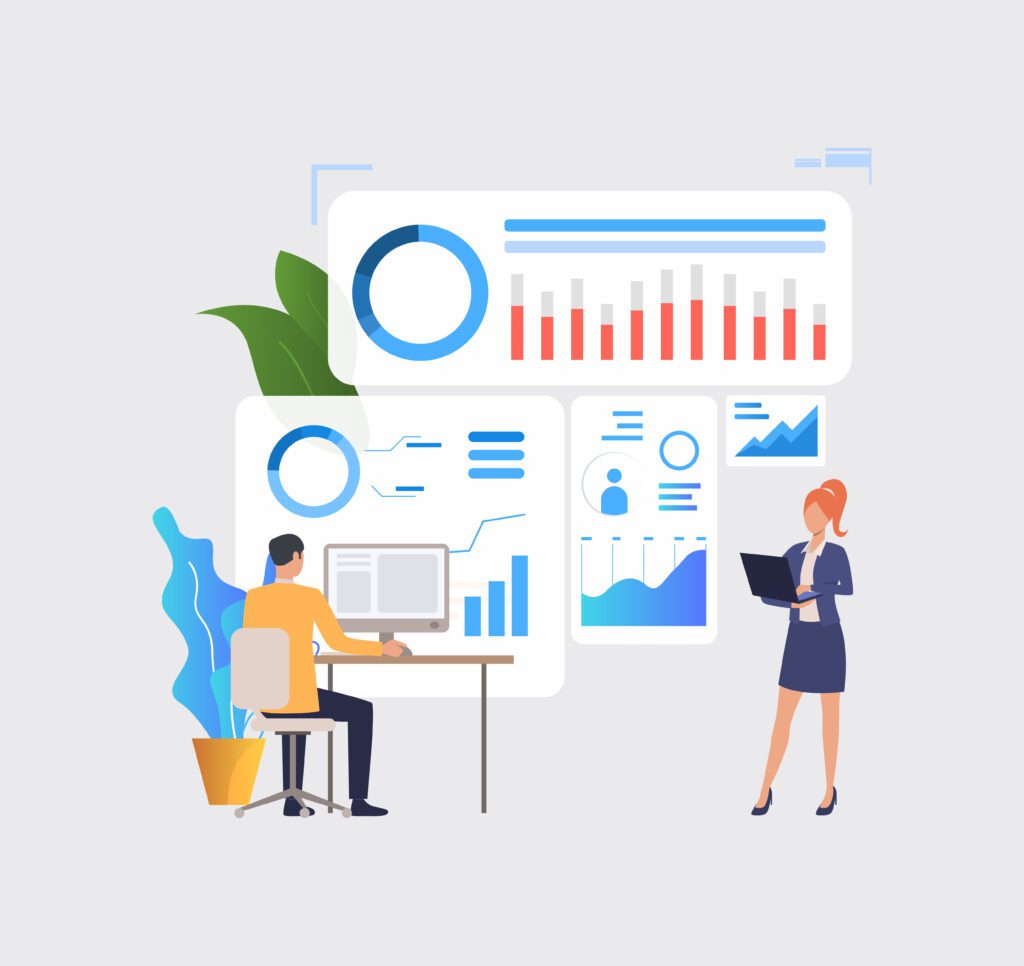
Architecture defines how ERP components connect, scale, and communicate. Four dominant patterns exist today, each suited to different enterprise needs.
Monolithic ERP Architecture
The traditional approach bundles all modules finance, HR, supply chain into a single deployable unit sharing one codebase and database. SAP ECC is the most recognized example. Monolithic systems offer consistency and deep integration but become difficult to scale and update as the business grows.
Modular ERP Architecture
Modular systems separate business functions into distinct components that communicate through internal APIs or shared services. Organizations activate only the modules they need, reducing cost and complexity. Odoo operates on this model, letting teams deploy CRM without touching the warehouse module.
Cloud-Based ERP
Cloud ERP runs on SaaS infrastructure, removing the need for on-premise servers. Oracle ERP Cloud and SAP S/4HANA Cloud deliver automatic updates, elastic scaling, and global availability. Cloud ERP shifts infrastructure management to the vendor, a significant operational advantage for lean IT teams.
Microservices-Based ERP
The most modern approach breaks ERP functionality into independently deployable services, each responsible for one domain (invoicing, payroll, stock levels). Services communicate through REST or event-driven APIs. This architecture scales individual components under load and enables flexibility in the technology stack across services.
“The shift to microservices-based ERP is not a trend — it is the logical endpoint of every enterprise that outgrows its monolith.”
Core ERP Software Modules
| MODULE | CORE FUNCTION | KEY DATA ENTITIES |
| Finance | General ledger, accounts payable/receivable, tax, and reporting | Chart of accounts, journal entries, and cost centers |
| Human Resources | Payroll, recruitment, attendance, performance | Employee records, contracts, pay grades |
| Inventory | Stock tracking, warehouse management, and reorder points | SKUs, warehouses, batch/lot numbers |
| Supply Chain | Procurement, vendor management, logistics | Purchase orders, vendor contracts, shipments |
| CRM | Leads, opportunities, customer accounts, support | Contacts, deals, service tickets |
How ERP Software Works
Every ERP transaction follows the same path: data enters through a module interface, the application layer validates and processes it, and the result is written to the central database. All other modules instantly reflect the updated state.
A purchase order in procurement triggers a payables entry in finance and a stock record in inventory simultaneously. This cross-module communication replaces email chains and manual spreadsheet updates with automated, real-time data propagation.
ERP Database Structure
Most ERP platforms run on relational databases PostgreSQL, Microsoft SQL Server, or Oracle DB. Tables store entities (employees, invoices, products), and foreign keys maintain referential integrity across them. Data normalization to at least 3NF reduces redundancy and keeps the schema maintainable at enterprise scale.
Transaction management is critical. ACID-compliant transactions ensure that a failed payroll run does not partially update employee records. Modern ERP databases also use indexing strategies and partitioning to manage tables with hundreds of millions of rows without performance degradation.
ERP Integration and APIs
No ERP system operates in isolation. REST APIs expose ERP data to external applications, e-commerce platforms, BI tools, payroll processors, and IoT devices, all of which connect through these endpoints.
Popular ERP Software: Technical Snapshot
Middleware layers (MuleSoft, Dell Boomi Apache Camel) handle transformation and routing when source and destination data schemas do not align. Webhook support allows ERP systems to push real-time events to external consumers instead of waiting for scheduled polling. Well-designed ERP integration APIs are the backbone of a connected enterprise technology stack.
SAP ERP
SAP S/4HANA runs on an in-memory columnar database (HANA), enabling real-time analytics without separate data warehouses. Designed for large enterprise deployments with complex multi-entity, multi-currency requirements.
Oracle ERP Cloud
A cloud-native platform with autonomous database technology, built-in machine learning, and deep financial management capabilities. Strong choice for finance-led digital transformation.
Odoo
An open source ERP software platform with a modular architecture, Python backend, and PostgreSQL database. Odoo’s app store model lets teams compose their own ERP stack from hundreds of community and enterprise modules.
Microsoft Dynamics 365
Deeply integrated with Azure, Power BI, and the Microsoft 365 ecosystem. Dynamics 365 suits organizations already invested in Microsoft infrastructure and looking for seamless productivity tool integration.
Open Source vs Proprietary ERP
| FACTOR | OPEN SOURCE ERP | PROPRIETARY ERP |
| Cost | Low licensing, higher implementation | High licensing, structured support |
| Customization | Full source code access | Limited to vendor API surface |
| Support | Community + paid tiers | Enterprise SLA-backed |
| Examples | Odoo, ERPNext, Dolibarr | SAP, Oracle, Microsoft Dynamics |
ERP Implementation Process
1. System Design — Define modules, integrations, user roles, and data ownership.
2. Database Setup — Configure schema, apply normalization, set up backups and replication.
3. Data Migration — Extract, clean, transform, and load legacy data into the new system.
4. Module Integration — Connect ERP modules and configure cross-module business rules.
5. API Configuration — Set up REST endpoints, webhooks, and middleware connections.
6. Testing and Go-Live — UAT, load testing, rollback planning, then phased production deployment.
Challenges in ERP Systems
Data migration is the most underestimated phase of any ERP project. Legacy systems carry decades of inconsistent, duplicate, and poorly structured data that must be cleaned before import. A failed migration can delay go-live by months.
Integration complexity multiplies as external systems increase. Each new connection introduces failure points, authentication requirements, and data schema mismatches. Security is equally demanding ERP systems hold every sensitive business record, making access control, audit logging, and encryption non-negotiable.
Future Trends in ERP Software (2026)

FUTURE TRENDS
- AI-driven ERP systems now predict cash flow gaps, flag supply chain disruptions, and automate approval workflows.
- Cloud-native and microservices ERP architectures dominate new deployments globally.
- Real-time analytics pipelines replace overnight batch reporting, giving finance and ops teams live visibility.
- Low-code ERP customization layers allow business users to extend modules without developer involvement.
Conclusion
ERP software is the operational backbone of the modern enterprise. Whether you are evaluating open source ERP software like Odoo, designing a microservices-based ERP from scratch, or migrating a monolith to the cloud, the decisions you make at the architecture, module, and database level determine how well the system serves the business at scale. Get the foundation right, and everything built on top of it becomes significantly easier.
Frequently Asked Questions
What is ERP software in simple terms?
ERP software is a centralized platform that connects all core business operations, including finance, HR, inventory, and procurement, into one system. Data entered in one department becomes instantly visible to all others, replacing disconnected spreadsheets and siloed tools.
What are ERP modules?
ERP modules are functional components that handle a specific business domain, such as Finance, Human Resources, Inventory, or Supply Chain. Organizations deploy the modules they need and integrate them through shared data and APIs within the same ERP platform.
What is ERP system architecture?
ERP architecture refers to the structural design that determines how system components connect and scale. The four main types are monolithic, modular, cloud-based (SaaS), and microservices-based. Each offers different tradeoffs between simplicity, scalability, and customization.
Is ERP software cloud-based?
Modern ERP platforms like Oracle ERP Cloud and SAP S/4HANA Cloud are fully cloud-native. On-premise options still exist for regulated industries with strict data residency requirements, but cloud ERP has become the default for new deployments in 2026.
What is open source ERP software?
Open source ERP software like Odoo or ERPNext provides access to the full source code, allowing development teams to customize modules, build integrations, and extend functionality without vendor lock-in. It typically has lower licensing costs but requires stronger internal technical capacity to deploy and maintain.